Work Order Example
Load a filled-in work order for a plumber, an HVAC technician, an electrician, a mechanic or an appliance repairer, change it to your own job and download it as a PDF.
Free · runs in your browser · nothing is uploaded
A work order example is easiest to understand when you can see a completed one. This page holds five, each for a different trade: a plumber fixing a dripping tap, an HVAC technician servicing a rooftop unit, an electrician adding a socket, a mechanic replacing brake pads and an appliance repairer clearing a drain filter. Pick one from the list at the top of the form and it fills in all the fields: customer, problem, work performed, parts, hours and tax.
The examples are made up. Use them to see how much detail a good work order has, then change every field to your job. The form underneath is the real work order form, with photos, signature boxes and a PDF, so an example becomes your own document in a few minutes.
How to use a work order example
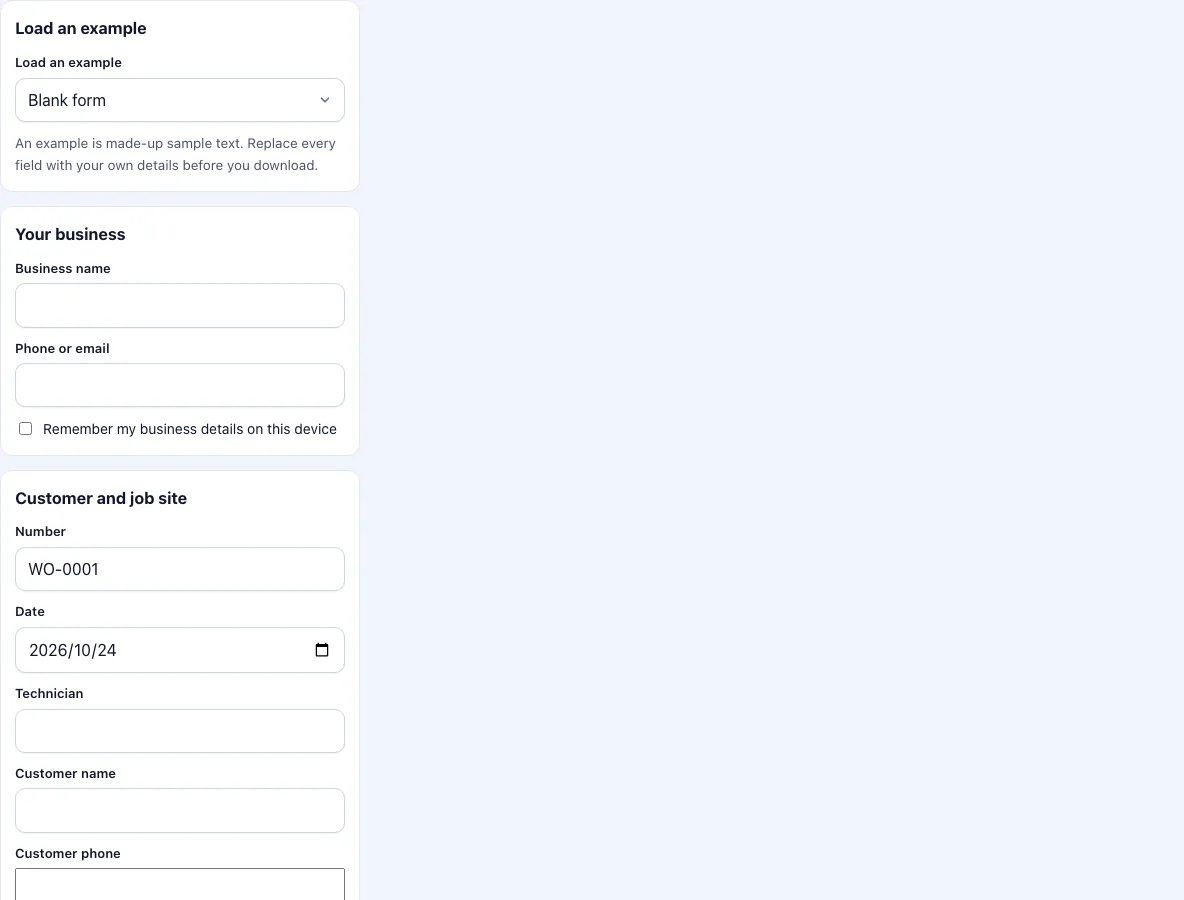
Open the list called Load an example at the top of the form and pick the trade that is closest to yours.
Read the filled-in form. Look at how the problem is written, how the work performed is described and how the parts and the hours are shown.
Replace the business name and phone with your own. Enter your technician name, the customer and the address.
Rewrite the problem and the work performed for your job. Keep the structure: what the customer asked for, then what you did, in order.
Replace the parts and prices. Remove lines that you did not use with the cross button. Add lines with Add a line.
Change the hours, the rate and the tax rate. The total updates as you type.
Add photos of your job, collect the customer’s signature and press Download PDF.
Choose Blank form in the list if you want to start again with empty fields.
Keep your edited version as your own starting point: download the PDF and keep the text in your notes, because the page remembers one draft only.
For a quote instead of a finished job, write ESTIMATE at the top of the notes box and untick the price box if you do not want to show prices yet.
What does a completed work order look like?
A completed work order has a number and a date, the customer’s name and the job address, a short description of the request, an account of the work done and a list of the parts and hours that make up the price. A good one is specific without being long: tap cartridge replaced and two O-rings, not plumbing repaired. It has a total that can be checked against the lines above it, and a signature.
What is the difference between the five examples?
The structure is the same, and the content shows how each trade writes. The plumbing example is short, with two small parts and under an hour of labour. The HVAC example is a planned service and lists readings, which a later visit can compare with. The electrical example records what was isolated, tested and labelled. The brake job has the largest parts lines and the longest labour time, and is marked urgent. The appliance repair has no parts at all, only labour, which is common for small call-outs.
How detailed should the work performed section be?
Detailed enough that a stranger can tell what was done, and short enough that the customer reads it. Three to six sentences usually do. Name the parts that were replaced, say what you tested afterwards and note anything left for next time. Avoid abbreviations that the customer does not know.
Are the prices in the examples real?
No. They are round numbers chosen to show how parts, labour and tax add up. Use your own prices. The totals follow the usual rule: each parts line is the quantity times the unit price, labour is the hours times the hourly rate, tax is applied to both and everything is rounded to cents.
Which example should I start from?
Start from the one with the same kind of customer and the same kind of price. A call-out with a few parts and under an hour of labour, like the tap or the washing machine, is a short document that fits on one page. A planned service for a business, like the HVAC example, adds readings and a recommendation. A job with several large parts, like the brake repair, needs the full parts table. If your work is a mix, take the nearest and delete what you do not need; deleting is faster than adding. Once you have rewritten the text, keep your own version in your files as a starting point for the next job, because the page keeps only one draft at a time.
Frequently asked questions
What is an example of a work order?
A completed form with the customer, the request, the work performed, parts, hours, a total and a signature. The five samples above show it for five trades.
Can I download an example as it is?
You can, but change the business name and the customer first. The examples are made-up text and should not be used as a record of a real job.
Do the examples change when I choose a different one?
Yes. Each choice replaces the text in the form. If you have typed something, copy it first.
Is there an example for my trade?
The five cover plumbing, HVAC, electrical, automotive and appliance repair. Pick the closest one, or use the work order template with your own text.
Can I use an example for a quote?
It is a work order, not a quote. Untick the price box to remove the prices. For a quote, write ESTIMATE at the top of the notes box.
Why do the examples use these trades?
They are the trades where work orders are most common: plumbing, heating and cooling, electrical work, vehicle repair and appliance repair. The structure fits any other trade.
Can I add my own example to the list?
No. The list is fixed. Keep your own finished work orders as PDF files and copy the wording from them.
Related tools
- Work order template: the same form, with a guide to each field.
- Work order generator: numbered blank forms to print.
- Auto repair work order template: vehicle fields and a vehicle checklist.
- Electrical work order template: an electrical checklist.
- Job sheet template: the UK name for the same form, A4 with £.
- Work order forms: all the work order forms in one list.