HVAC Service Report Template
Record an HVAC visit: equipment, refrigerant, an eight-point checklist, work done, parts and hours. Add photos of the unit and collect the customer's signature.
Free · runs in your browser · nothing is uploaded
An HVAC service report template records a visit to a heating, ventilation or air conditioning system. The customer gets proof of what was done, and the company gets a record of the unit: type, make and model, serial number and refrigerant, and the condition found. When the same unit comes back a year later, the earlier report tells the next technician what to expect.
This template is built for that. It asks for the equipment type (furnace, air conditioner, heat pump, boiler, rooftop unit or other), the make and model, the serial number and the refrigerant, then a checklist of eight checks that most visits include. Add parts and hours if you charge for them, photos of the unit, and the customer’s signature.
How to fill in the HVAC service report
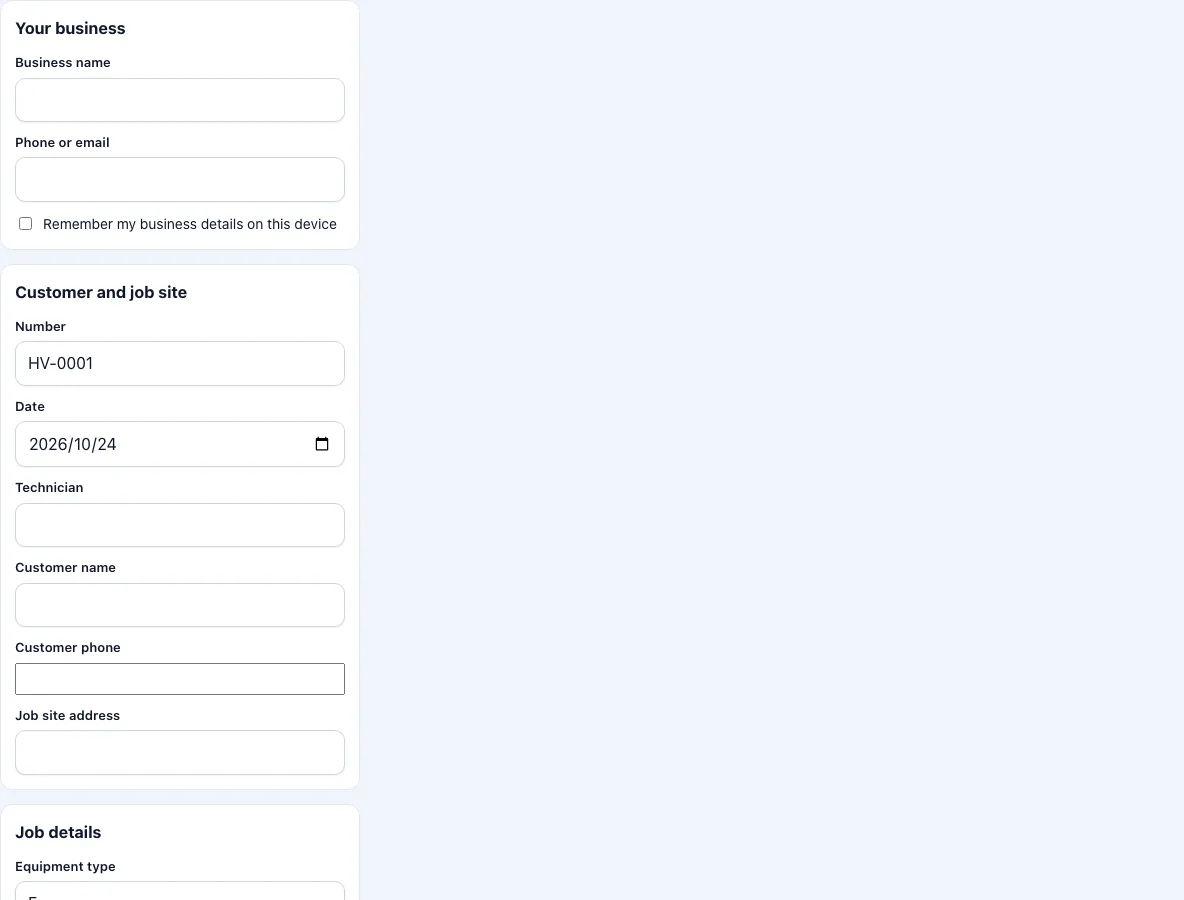
Enter your business name and contact. They are kept on the device if you tick the box.
Check the number and date. Enter the technician, the customer and the address.
Pick the equipment type. Enter the make and model and the serial number from the data plate, and the refrigerant type if the unit uses one.
Under reported problem, write what the customer told you.
Go through the checklist: filter, coils, condensate drain, thermostat, electrical connections and capacitor, refrigerant level and leaks, blower and belts, and supply and return temperatures. Set each to OK, Fault or N/A.
Write the work performed. Put readings in this box: the temperatures, pressures and amps that you measured.
Write recommendations, for example a part that is wearing or a service interval.
Add parts, hours and tax if the report is also the basis for the invoice.
Photograph the data plate, the fault and the result. Sign, get the customer’s signature and download the PDF.
Keep the first photo for the data plate. It records the model and the serial number exactly as printed and saves you copying them wrongly.
Send the PDF to the customer from your phone, and keep the original with the equipment’s file for next year’s visit.
What should an HVAC service report include?
The equipment identification, the date and the person who did the work, the reason for the visit, the checks made with their result, the work done, parts used and hours, and what is recommended. For refrigerant work, the type and the amount added or recovered is the key figure in many places, and some regions require you to keep your own record of it; the template has a refrigerant field for the type, and the amount goes in the work performed box. Check the rules that apply to you.
What do the eight checks cover?
Air filter: checked or replaced. Evaporator and condenser coils: inspected for dirt and damage. Condensate drain: clear of blockage. Thermostat: operation tested. Electrical connections and capacitor: looked at for heat marks and tested. Refrigerant level and leaks: checked. Blower and belts: inspected. Supply and return temperatures: recorded, from which the temperature split follows. The list is a common set of checks and is not a standard. Follow the manufacturer’s service instructions for the unit in front of you.
Why write down the temperatures?
The difference between the temperature of the air returning to the unit and the air leaving it shows whether a cooling or heating system is performing. A single reading is weak evidence; a reading on this visit next to the one from last year’s report is much stronger. That is the reason to put numbers in the report rather than the word “ok”.
Can I use it for a boiler or a furnace?
Yes. Choose the equipment type and skip the lines that do not apply with N/A. Gas appliances may have legal inspection rules that need their own forms; this template does not replace them.
What should the recommendations say?
Name the part or the work, the reason and a time frame, for example replace the blower belt within three months because it shows cracks. Say what happens if nothing is done, in a plain sentence: the unit may stop. A recommendation that the customer can understand and act on turns a service visit into the next job, and protects you if the fault comes back and the advice was not followed.
Frequently asked questions
What should an HVAC service report include?
Equipment details, the checks and their results, work done, parts and hours, recommendations, the date and signatures.
Can I leave the prices off?
Yes. Untick the price box. The PDF then lists parts with quantities only and no labour or total.
Does the template record refrigerant amounts?
It has a field for the refrigerant type. Put the amount added or recovered under work performed.
Is the checklist a legal inspection form?
No. It is a record of the checks you ticked. It does not replace forms that the law or a manufacturer requires for a given job.
Can the customer sign on the phone?
Yes, with a finger or a stylus in the customer box. The PDF holds the signature as an image next to the name you type.
How many photos can I add?
Up to 12 per report. They are reduced on your device to keep the PDF small.
Does it work for commercial rooftop units?
Yes, choose rooftop unit as the equipment type. Put the unit tag or the roof position in the make and model field, so that a building with several units is clear.
Can I list readings such as pressures?
Yes. Write them in the work performed box with their units, for example suction pressure and discharge pressure, and the date. The box takes a few paragraphs.
Related tools
- Work order example: filled-in examples to start from.
- Service report template: the general report without the HVAC fields.
- Work order template: a work order with parts, hours and a total.
- Auto repair work order template: vehicle work.
- Electrical work order template: checks for electrical jobs.
- Work order forms: all the work order forms in one list.