Electrical Work Order Template
Record an electrical job: the panel or circuit, the work done, a six-point checklist, parts and hours, photos and the customer's signature, as one PDF.
Free · runs in your browser · nothing is uploaded
An electrical work order template is the form that records a job done by an electrician: what was asked for, what was installed or repaired, on which panel or circuit, what materials went in and what it cost. It is the document that backs up the invoice and the first thing to look for when something on the same circuit is touched again years later.
This template has fields for the panel or circuit, the location and the voltage and phase, boxes for the work requested and the work performed, a six-point checklist, parts and labour, photos and signatures. It is a work order and not a test certificate. Where a certificate or inspection report is required for a job, you will need the form that your region prescribes.
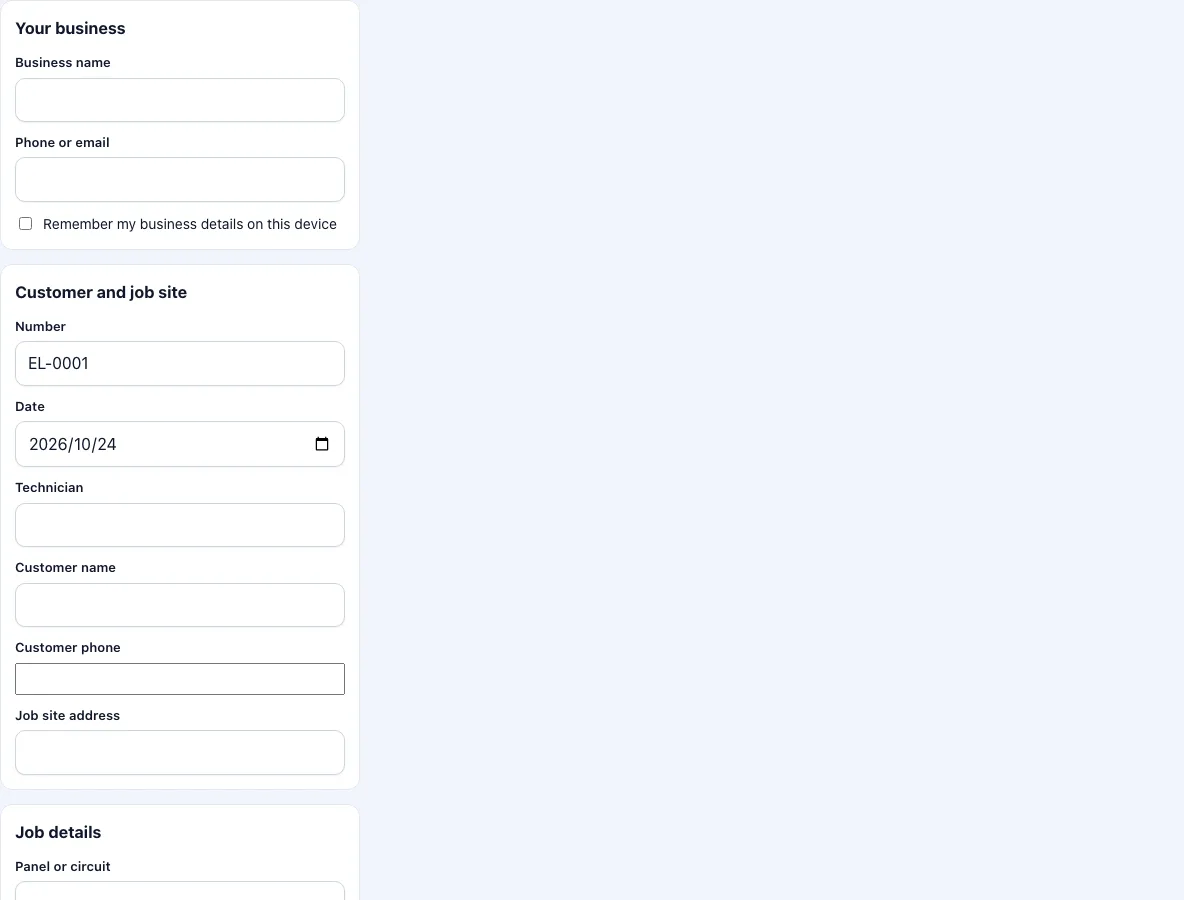
How to fill in an electrical work order
Add your business name and contact, and tick the box to keep them on the device.
Check the number and date. Enter the electrician, the customer and the address.
Enter the panel or circuit you worked on, for example panel A circuit 14, the location such as kitchen or plant room, and the voltage and phase.
Under work requested, write what the customer asked for.
Under work performed, write what you did. Note circuit changes and any labels that you updated.
Go through the checklist: supply isolated and tested dead before work, panel cover and circuit labels checked, connections inspected and tightened, visible damage to cables or fittings checked, GFCI or RCD test button operated, circuits tested after work.
Add parts, hours and tax. Photograph the panel before and after, and add captions.
Sign, ask the customer to sign and press Download PDF.
If you worked on more than one circuit, list each circuit and what changed in the work performed box, one per line, so that the customer and the next electrician can follow it.
Send the PDF to the customer from your phone, and keep the original in your records with the invoice.
What is an electrical work order?
It is a job record, not a safety certificate. It says who did what, where and when, with which materials. Electricians use it for small jobs such as adding a socket, replacing a consumer unit part or fixing a fault, and for larger jobs as the sheet that goes with the daily time record. The test results that a regulation requires, such as insulation resistance or earth loop values, belong in the document your region prescribes; you can mention in the work performed box that they were recorded elsewhere, with the reference.
Why does the checklist begin with isolation?
Because the first thing to do and the first thing to record is that the supply was off and proven dead. The line is a record that you did it, and a prompt for the technician who is in a hurry. The other five lines cover the state in which the work was left: labels, connections, damage, protective device test and a test after the work.
What should I photograph?
The panel with its cover off, before and after, so that circuit numbers and labels can be read; the cable run that you changed; and anything that you found wrong that the customer should know about. Photos of a panel with several circuits are most useful if you add a caption such as circuit 14 relabelled.
Does this replace local electrical rules?
No. The rules for who may do electrical work, which tests are required and what must be certified differ by country, state and type of job. This tool produces a work order that you complete and sign; it makes no statement about compliance.
What does a customer need to see on an electrical work order?
Most customers do not read the checklist; they look for three things: the address, what was done and what it cost. Put them first. Write the circuit change in plain words, such as moved the kitchen socket circuit to a new breaker, next to the technical note. A customer who can read the work order is less likely to call about it later, and a landlord or an insurer who asks what was done gets an answer from the document.
Frequently asked questions
What is an electrical work order?
A record of an electrical job with the customer, location, panel or circuit, work performed, materials, hours and signatures.
Is this a test certificate or an inspection report?
No. It is a work order. A certificate that your region requires must be made on the form that it prescribes.
Can I add the voltage and phase?
Yes, there is a field for it. For multi-circuit jobs list the circuits in the work performed box.
Are the checklist items fixed?
Yes, there are six. Use the notes box for others, such as a particular manufacturer’s check.
Can I omit prices?
Yes. Untick the price box to print parts with quantities and no prices, labour or total.
Can I record test readings on the work order?
Yes, in the work performed box: for example the protective device that was tested and its result. A required test report should still be made on the form your region prescribes.
Does the form say which circuits are RCD or GFCI protected?
No. The checklist only records that the test button was operated. Write the circuit details in the work performed box.
Can I attach a photo of the panel schedule?
Yes. Add the photo and give it a caption such as panel A after the change. The caption is printed under the picture.
Related tools
- Work order template: the general work order.
- Work order example: filled-in examples to start from.
- Field service report template: a visit report with a follow-up flag.
- HVAC service report template: heating and cooling jobs.
- Draw signature online: a signature image for any form.
- Work order forms: all the work order forms in one list.