Draw Signature Online
Sign inside the box with a finger, a stylus or the mouse. Download the signature as a transparent PNG, as an SVG, or as a PDF with a signature line, name and date.
Free · runs in your browser · nothing is uploaded
This is a signature pad in the browser. You draw your signature in the box with a finger on a phone, a stylus on a tablet or the mouse on a computer, and download it as a file. The PNG has a transparent background, so that it can be placed on top of a document in any editor. The SVG scales without losing sharpness. The PDF has the signature on a line with your printed name and the date under it, ready to print or attach.
The same signature box is used in the Signvisit forms, for the technician and the customer. This page is the box on its own, for when you only need the file. The drawing is made on your device and nothing is uploaded.
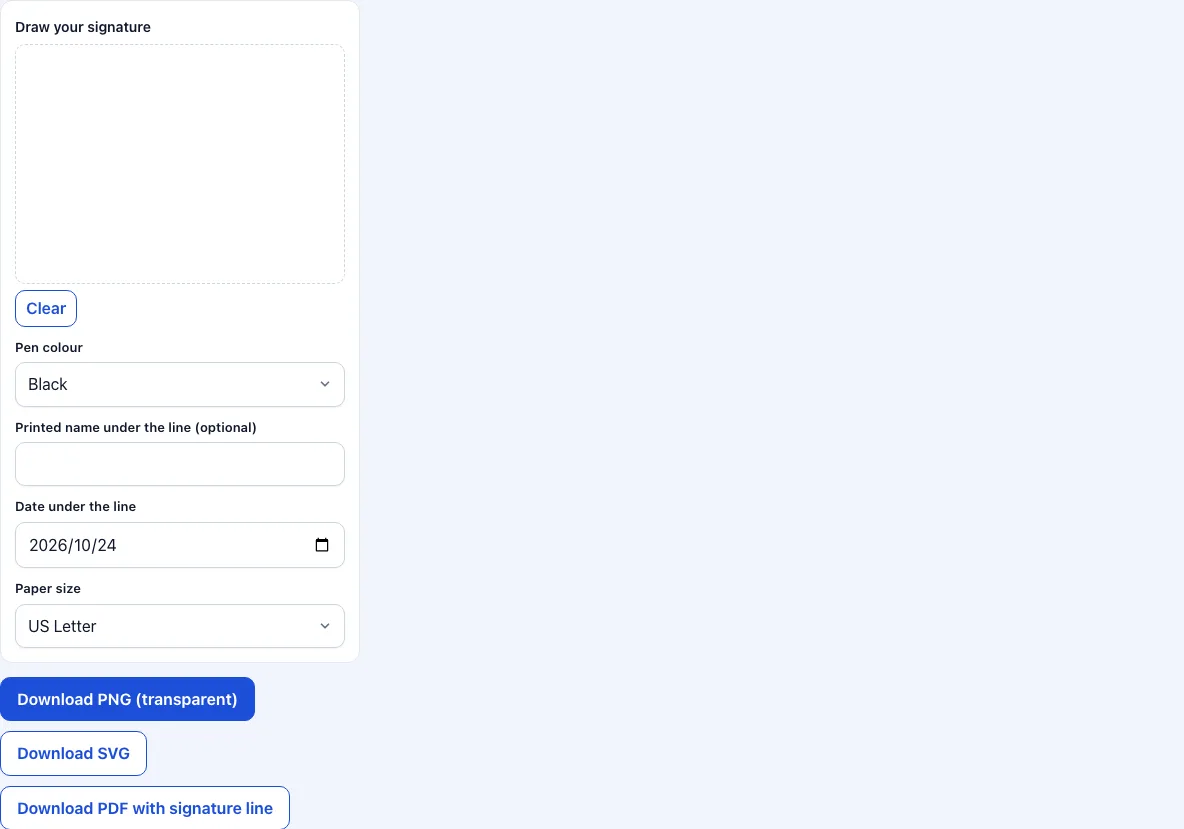
How to draw and download your signature
Pick the pen colour, black or blue. Blue is common for ink signatures on paper documents.
Draw in the box. On a phone, hold the phone flat or use a stylus for a smoother line; use landscape for a wide signature.
If you are not happy, press Clear and draw again.
For the PDF, type your printed name and set the date. They are printed under the line. Pick A4 or US Letter.
Press Download PNG for a transparent image, Download SVG for a vector file or Download PDF for a page with the signature line.
Insert the PNG into a document, a slide or an email signature. For a Word or Google Docs file, use Insert, then Image.
To use the file in an email signature, insert the PNG as an image and set its width to about 150 to 200 pixels. Most mail programs scale the image down from the large file without losing the line quality.
To remove an unwanted mark, press Clear. The box has no undo, because a single stroke is part of a signature that should be redrawn as a whole.
Keep the downloaded PNG in a folder on your phone or computer, so that you can reuse it. The page does not keep a copy of your signature.
How do I make a transparent signature?
Draw it and download the PNG. The box has no background colour, and the strokes are saved on a transparent layer, cropped to the signature with a small margin. When you place the image on a document, the paper shows through around the letters. A signature on a white background would hide the text or the lines behind it.
PNG, SVG or PDF: which file?
PNG is a picture made of pixels and works everywhere: Word, Pages, Google Docs, slides and PDF editors. Take this one if you are not sure. SVG is a drawing made of lines. It stays sharp at any size and works in design programs and on web pages, but not in every office program. The PDF is a page: your signature, a line, your name and the date, for printing, or for attaching as a signature page.
Is a drawn signature legally valid?
A drawn signature is a picture of your signature. Whether a document with such a picture is accepted as signed depends on the kind of document, the country and the party who receives it. Many everyday documents accept it. Some, such as certain contracts, tax forms or property papers, require a qualified electronic signature or a wet signature. Ask the receiving party if you are unsure. This tool makes the image; it does not sign on your behalf or add a certificate.
How does the pen make smooth lines?
The box uses the open source Signature Pad library, which draws curves through the points you touch rather than straight lines between them, and makes the stroke thinner when you move fast. That is why a quick signature looks like ink and not like a polygon.
Which pen colour should I choose?
Black is the safe choice on screens and in print. Blue ink is traditional on paper contracts because a blue original is easy to tell from a black photocopy, and some offices still ask for it. The colour is part of the file you download, so choose before you press the button. If you need both colours, download twice.
Frequently asked questions
How do I draw a signature online?
Draw in the box with a finger, stylus or mouse and download the file you need. There is nothing to sign up for.
Does it work on a phone?
Yes. Touch input works; the box keeps the page from scrolling while you draw inside it.
Can I save the signature to use again?
Download the PNG and keep it in your files. The page does not store signatures.
Will the signature be uploaded?
No. The file is made in the browser and goes only to your downloads.
Can I type my signature instead?
Not on this page. It is for hand-drawn signatures.
Why does the PDF show my name only if I type it?
The line, the name and the date are optional. Leave the name empty and only the line and the date are printed.
Is the PNG big enough to print?
The image is made at the pixel density of your screen, which is plenty for a signature at the usual 30 to 50 millimetres. If you need it larger, download the SVG and scale it in a design program.
Why is there no undo?
A signature is drawn in one go. Clear and redraw gives a cleaner result than patching one stroke.
Related tools
- Work order template: a work order with signature boxes, photos and a PDF.
- Service report template: a report with two signatures.
- Field service report template: a report you can sign on site.
- Service ticket template: a short ticket with a sign-off.
- Signvisit app: the planned app and team plan.
- Work order forms: all the work order forms in one list.